
CNAME Lookup Fast & Accurate DNS Check Tool
Instantly check CNAME records for any domain. Get detailed DNS information, validate configurations, and troubleshoot domain issues with our free, professional-grade lookup tool.

CNAME Lookup
Details
{}
Powerful Features
Everything you need for comprehensive DNS analysis and troubleshooting
Instant CNAME Lookup
Get real-time CNAME records instantly with our optimized DNS query system
Complete DNS Chain
View the entire DNS resolution chain from alias to canonical name
TTL Information
See Time-To-Live values to understand cache duration and propagation
Secure Queries
All lookups use DNS-over-HTTPS for enhanced privacy and security
Multiple Records
Display all CNAME records and related DNS information in one view
Export Results
Easily copy and export DNS lookup results for documentation
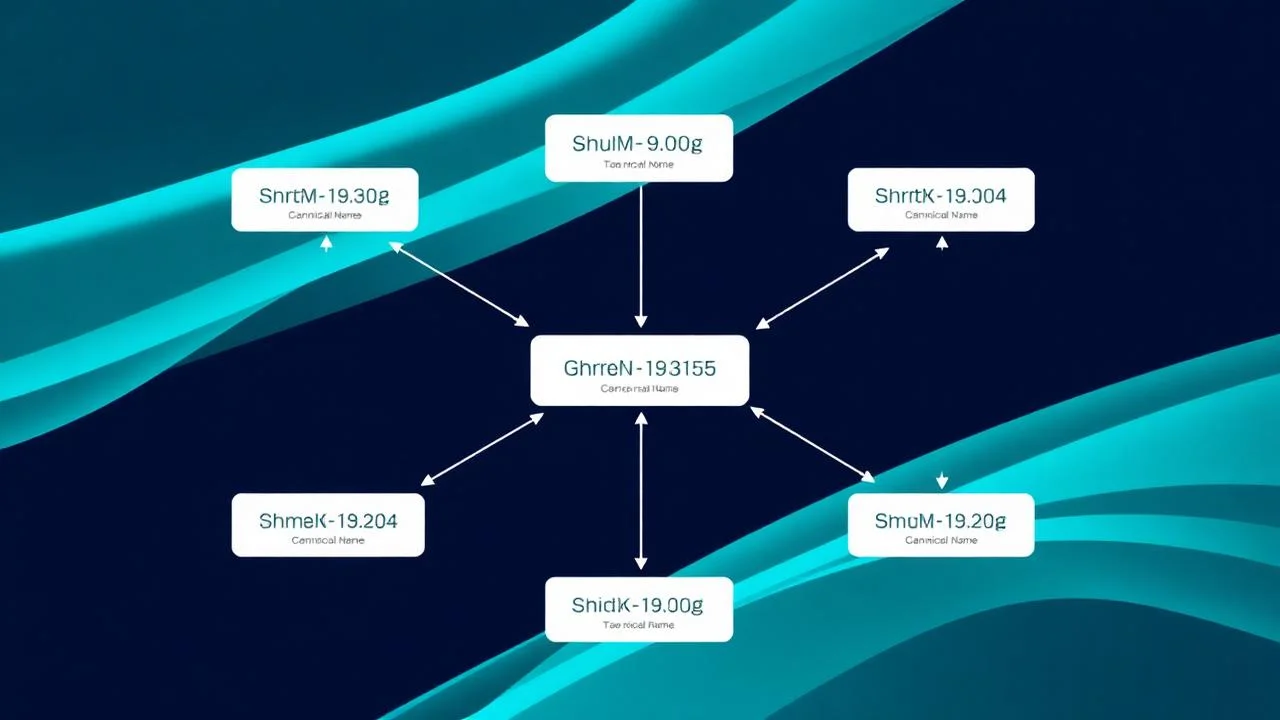
What is a CNAME Lookup?
A CNAME (Canonical Name) record is a type of DNS record that creates an alias from one domain name to another. Instead of pointing directly to an IP address like an A record, a CNAME record points to another domain name. This is particularly useful when you want multiple domain names to point to the same location, or when you need to easily update where a domain points without changing multiple DNS records.
How CNAME Lookup Works
Understanding the DNS resolution process
Enter Domain
You provide the domain name you want to look up
DNS Query
Our tool queries authoritative DNS servers securely
Retrieve Records
CNAME records and related data are fetched
Display Results
Comprehensive DNS information is presented clearly
How CNAME Lookup Works
Simplified Management
Update one canonical domain instead of multiple A records across your infrastructure
CDN Integration
Easily point subdomains to CDN providers without changing IP addresses
Service Migration
Switch hosting providers seamlessly by updating a single CNAME target
Load Balancing
Direct traffic to load balancers and distributed systems efficiently

How CNAME Lookup Works
Understanding the differences between DNS record types
Points a domain to another domain name
- Use Case: Subdomains, CDN setups, service aliases
- Limitation: Cannot be used at root domain
Points a domain directly to an IPv4 address
- Use Case: Root domains, direct IP mapping
- Limitation: Requires manual IP updates
Points a domain directly to an IPv6 address
- Use Case: IPv6 hosting, modern infrastructure
- Limitation: Not all systems support IPv6
Common Use Cases
CNAME lookup tools are essential for various DNS management and troubleshooting scenarios:
- Verify domain redirects and aliases
- Troubleshoot DNS configuration issues
- Monitor CDN and load balancer setups
- Validate subdomain configurations
- Audit DNS security and settings
Common CNAME Configurations
Typical CNAME setups you’ll encounter
WWW Subdomain
www.example.com → example.comThe most common CNAME setup, pointing www to the root domain
CDN Setup
cdn.example.com → cdn-provider.netTPointing to a content delivery network for faster asset delivery
Email Service
mail.example.com → mailserver.provider.comDirecting email subdomain to hosted email service
App Subdomain
app.example.com → hosting-service.cloudPointing application subdomain to hosting platform
Common CNAME Configurations
Common problems and their solutions
CNAME not resolving
Check TTL values and wait for propagation. Verify DNS server configuration.
Multiple CNAME records
DNS allows only one CNAME per subdomain. Remove duplicate entries.
CNAME at root domain
Use A or ALIAS records instead. CNAME cannot be used at apex domain.
CNAME chain too long
Limit CNAME chains to 2-3 levels to avoid resolution delays.
Mixed with other records
CNAME cannot coexist with other record types for the same name. Choose one.
Propagation delays
DNS changes can take 24-48 hours. Use lower TTL before making changes.
Frequently Asked Questions
Common questions about CNAME records and lookups